.svg)


Spotify Wrapped
Introduction
Every year, Spotify Wrapped reminds people of one thing: the story you lived is worth seeing. And when a trend grabs this much attention, smart marketers don’t ignore it.
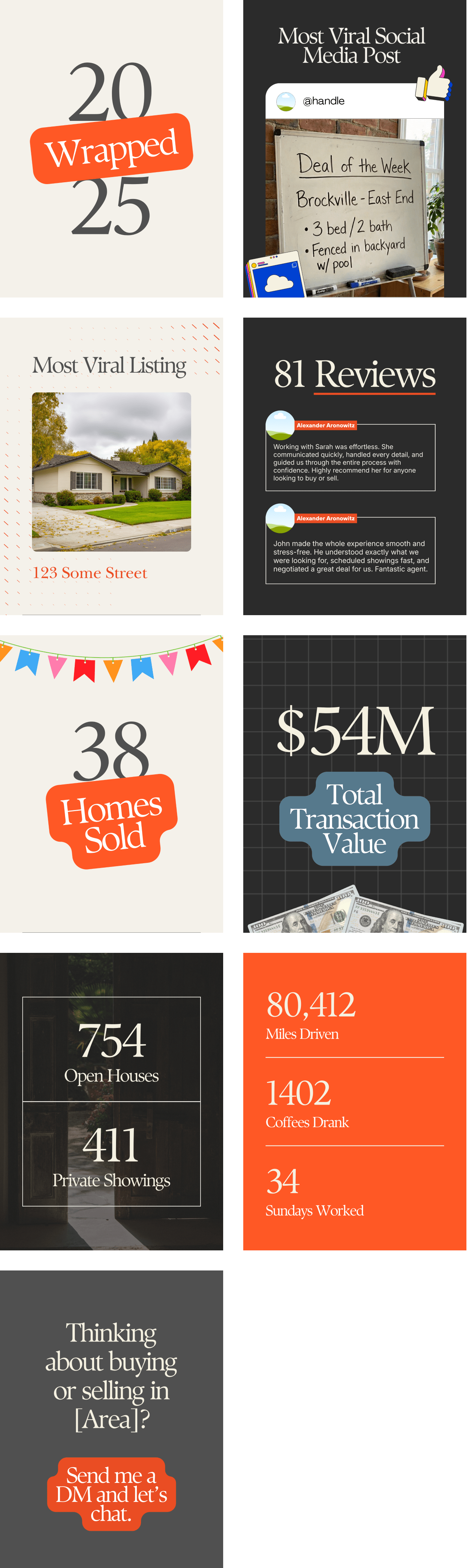
This campaign takes a format your audience already loves and turns it into a snapshot of your year in real estate.
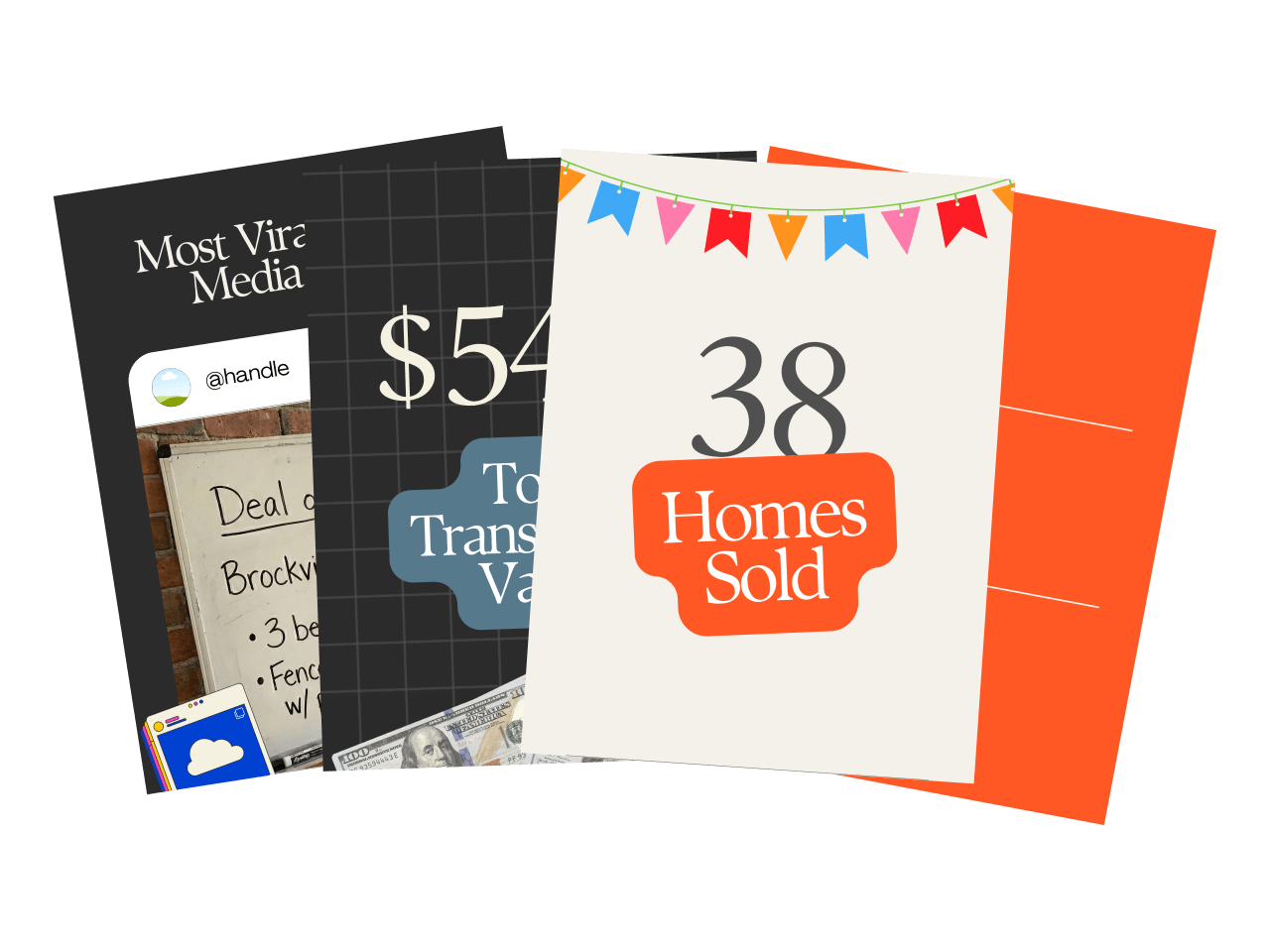
This carousel gives you your own “Wrapped,” designed to stop the scroll, spark engagement, and remind people what you actually do all year long.
Before you get started
For best results with direct mail, you’ll want to have these core lists ready.
Before you send a text, make sure you have these three things in place:
Before you send an email, make sure these three things are in place:
Farm List
This is your core mailing audience—used for general awareness and market education. Build your list using the following filters:
- Homeowners who’ve owned for 10+ years
- 50%+ equity
- Areas with strong total commission opportunity (transaction volume × average price)
Start with 1,000 homes. Expand if it’s working. Need help pulling the list? Ask your title rep or use tools like PropStream or Breakthrough Broker.
Radius Lists
Used for campaigns like Just Listed, Just Sold, Magic Buyer, or Pre-Appointment letters.You’ll need the ability to quickly pull 100–200 nearby homes around a specific property.
Specialty Lists
Used for targeted campaigns like Expired Listings, Silver Tsunami, and FSBOs.
Pull these from platforms like RedX or similar.
An Email Tool
You need a platform that lets you send mass emails to your database. Use what you have—FUB, Follow Up Boss, Mailchimp, KVCore, Constant Contact, etc. If you’re not set up yet, get that handled first. You can’t send if you can’t hit send.
Three Simple Lists
You need three lists:
Prospects
People you haven't done business with.
SOI/Past Clients
People you have.
Entire Database
All contacts.
A Plain Text Format
These emails are written to feel personal, not promotional—so keep them clean. Paste them as-is, with a short signature (your name, number, maybe your site). That’s it.
A CRM That Can Send Texts
Most modern CRMs can do this—Follow Up Boss, Lofty, Brivity, Real Geeks, etc. Use your CRM before buying anything new. You’ll want tracking, history, and batch-sending capabilities.
If you do need a mass texting tool, here’s what we recommend. But start with manual sends if you have to.
Three Simple Lists
Texting is for follow-up. And smart follow-up starts with the right filters.
Prospects
People you haven’t done business with.
SOI/Past Clients
People you have.
Entire Database
All contacts.
Engaged Recently
Opened an email or visited your site in the last 7 days.
Not Contacted Recently
No outreach in 30 days (for prospects) or 90 days (for clients).
A Plain Text Format
These aren’t spam blasts. They’re timely, value-based follow-ups. Use their first name. Skip the signatures.
How to Execute
Customize Canva Templates to Match Your Brand
%201.svg)
Post to Instagram
Send
1. Open the Canva template
Click the link → open in Canva.
Choose which of the 9 slides you want to use (delete any you don’t need).
Swap colors, fonts, logo/photo as needed so it matches your brand.
2. Update your year-end stats
On each slide you’re keeping, plug in your real numbers
(e.g. homes sold, volume, reviews, open houses, coffees, miles driven, etc.).
3. Download your slides
In Canva: Share → Download → PNG or JPG → Select pages → Download.
Save the images to your phone or desktop.
4. Post as an Instagram carousel
Open Instagram → “+” → Post → select all your slides in order → Next.
Add your caption (e.g. “My 2025 Real Estate Wrapped 🎧🏡”) and hit Share.
5. Engage with the attention
Reply to every comment and DM.
Use it as a chance to start conversations with past clients, warm leads, and your sphere.
Record the Video


.svg)
Post Your Video
.svg)
Video Walkthrough
Examples