.svg)


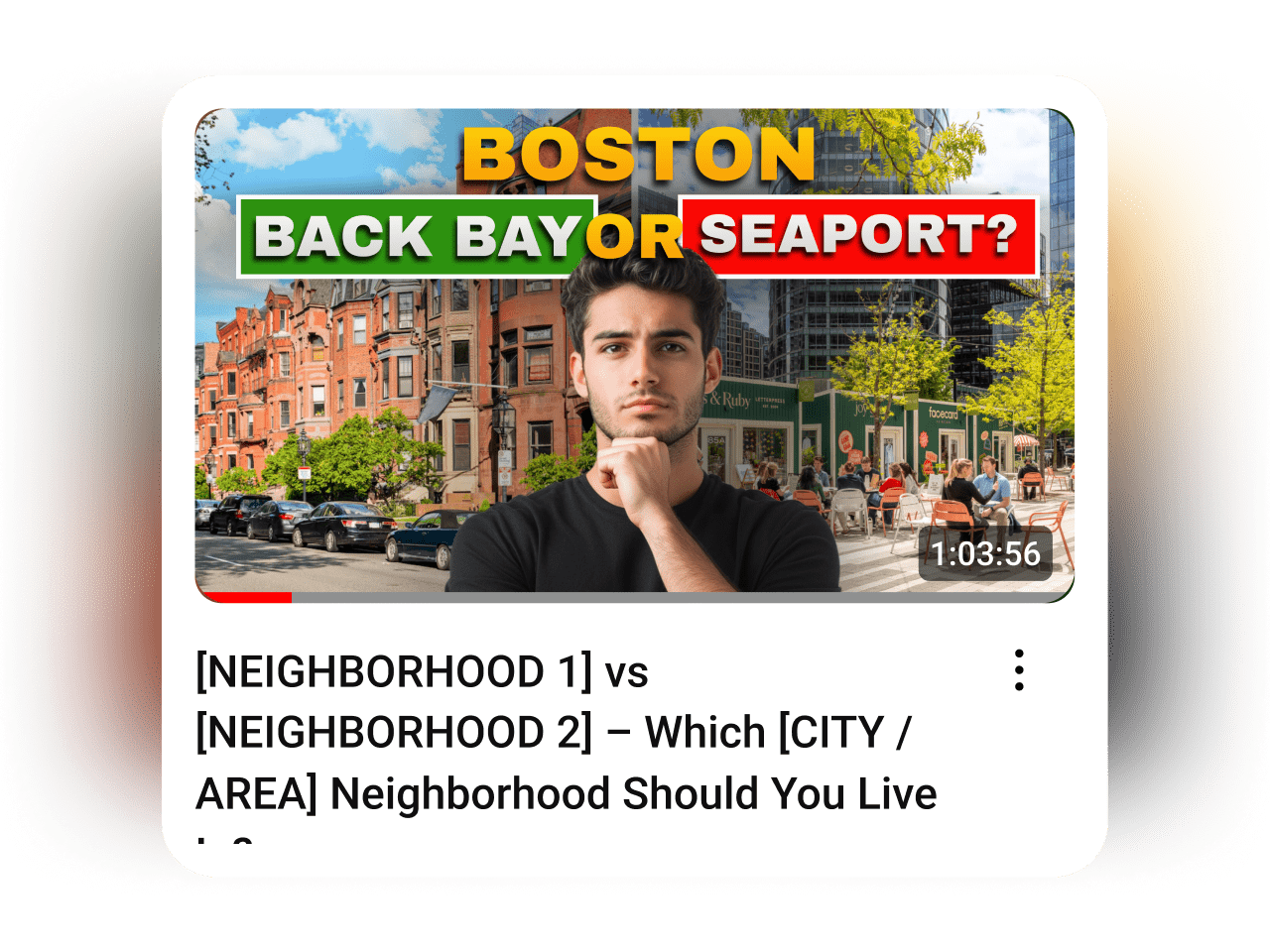
[NEIGHBORHOOD 1] vs [NEIGHBORHOOD 2] – Which [CITY / AREA] Neighborhood Should You Live In?
Introduction
When buyers are deciding where to live, they’re not looking for a neighborhood tour—they’re trying to make a comparison. A choice. That’s why “Neighborhood A vs Neighborhood B” consistently outperforms almost every other local video format. It mirrors how people actually think.
This template was directly inspired by a Living in NYC video that pulled in 12,000 views - more than 12× her average - because it did one thing well: it helped viewers decide.
Pick two neighborhoods buyers already compare, follow the structure, and let the contrast do the heavy lifting.
Before you get started
For best results with direct mail, you’ll want to have these core lists ready.
Before you send a text, make sure you have these three things in place:
Before you send an email, make sure these three things are in place:
Farm List
This is your core mailing audience—used for general awareness and market education. Build your list using the following filters:
- Homeowners who’ve owned for 10+ years
- 50%+ equity
- Areas with strong total commission opportunity (transaction volume × average price)
Start with 1,000 homes. Expand if it’s working. Need help pulling the list? Ask your title rep or use tools like PropStream or Breakthrough Broker.
Radius Lists
Used for campaigns like Just Listed, Just Sold, Magic Buyer, or Pre-Appointment letters.You’ll need the ability to quickly pull 100–200 nearby homes around a specific property.
Specialty Lists
Used for targeted campaigns like Expired Listings, Silver Tsunami, and FSBOs.
Pull these from platforms like RedX or similar.
An Email Tool
You need a platform that lets you send mass emails to your database. Use what you have—FUB, Follow Up Boss, Mailchimp, KVCore, Constant Contact, etc. If you’re not set up yet, get that handled first. You can’t send if you can’t hit send.
Three Simple Lists
You need three lists:
Prospects
People you haven't done business with.
SOI/Past Clients
People you have.
Entire Database
All contacts.
A Plain Text Format
These emails are written to feel personal, not promotional—so keep them clean. Paste them as-is, with a short signature (your name, number, maybe your site). That’s it.
A CRM That Can Send Texts
Most modern CRMs can do this—Follow Up Boss, Lofty, Brivity, Real Geeks, etc. Use your CRM before buying anything new. You’ll want tracking, history, and batch-sending capabilities.
If you do need a mass texting tool, here’s what we recommend. But start with manual sends if you have to.
Three Simple Lists
Texting is for follow-up. And smart follow-up starts with the right filters.
Prospects
People you haven’t done business with.
SOI/Past Clients
People you have.
Entire Database
All contacts.
Engaged Recently
Opened an email or visited your site in the last 7 days.
Not Contacted Recently
No outreach in 30 days (for prospects) or 90 days (for clients).
A Plain Text Format
These aren’t spam blasts. They’re timely, value-based follow-ups. Use their first name. Skip the signatures.
How to Execute
Record the Video

%201.svg)
Create Your Thumbnail
Send
Record the Video


.svg)
Post Your Video
.svg)
Video Walkthrough
Examples

